Try the app
Your first month is free
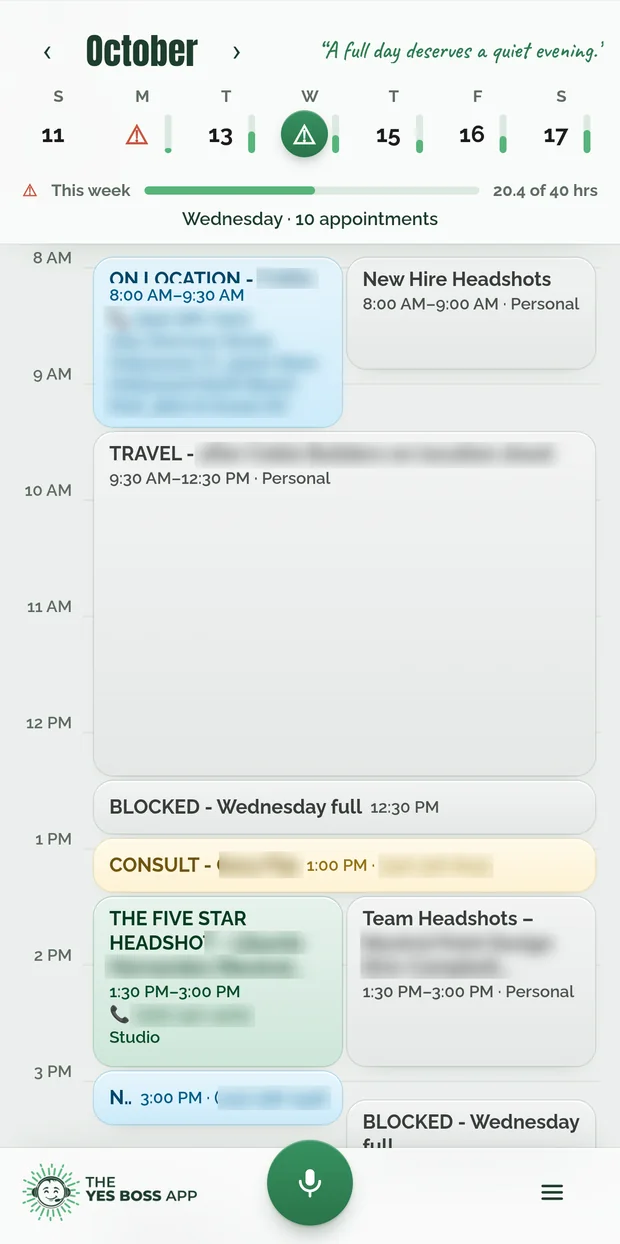
Talk to Yes Boss like a real assistant: your calendar, your to-dos, your email and a morning check-in, all from your phone.
Start my free monthNo payment details up front. After 30 days, the app asks if you’d like to keep it for $19.99 a month. If not, nothing is charged.
Put it on your phone
It takes about a minute. No app store needed.
Sign up
Tap Start my free month, answer 4 quick questions, then type your name and tap Continue with Google. No Gmail? Get a code by email instead.
Add it to your home screen
iPhone
Use Safari
- Open app.getyesboss.com in Safari. Only Safari can add it to your home screen.
- Tap Share (the square with the arrow), then Add to Home Screen, then Add.
- Close Safari. Open Yes Boss from the new icon and sign in there. Signing in on Safari leaves the icon signed out.
- Inside the app, tap ☰, then Alerts, then Allow.
Android
Use Chrome
- Open app.getyesboss.com in Chrome. If a link opened inside another app, tap ⋮, then Open in Chrome.
- Tap ⋮, then Add to Home screen, then Install (not “Create shortcut”).
- Open Yes Boss from the new icon. Don’t see it? Check your app drawer.
- Inside the app, tap ☰, then Alerts, then Allow.
Good to know
Email codes: use the newest one. A new code cancels the old one, and codes last 10 minutes.
“This app cannot be installed” on Android? Restart your phone, then try Install again.
Still stuck? Email [email protected] and a real person will help.
Want the full Yes Boss System for your business, with your clients, invoices and booking? See plans and pricing.